




Your website is often the first impression potential customers have of your business. Whether you’re launching a new site or redesigning an existing one, choosing the right content management system (CMS) is a decision that affects your website’s performance, SEO, scalability, and long-term growth.
Among the most popular website platforms today are WordPress and Webflow. While both allow businesses to create professional websites, they differ significantly in flexibility, customization, maintenance, and ease of use.
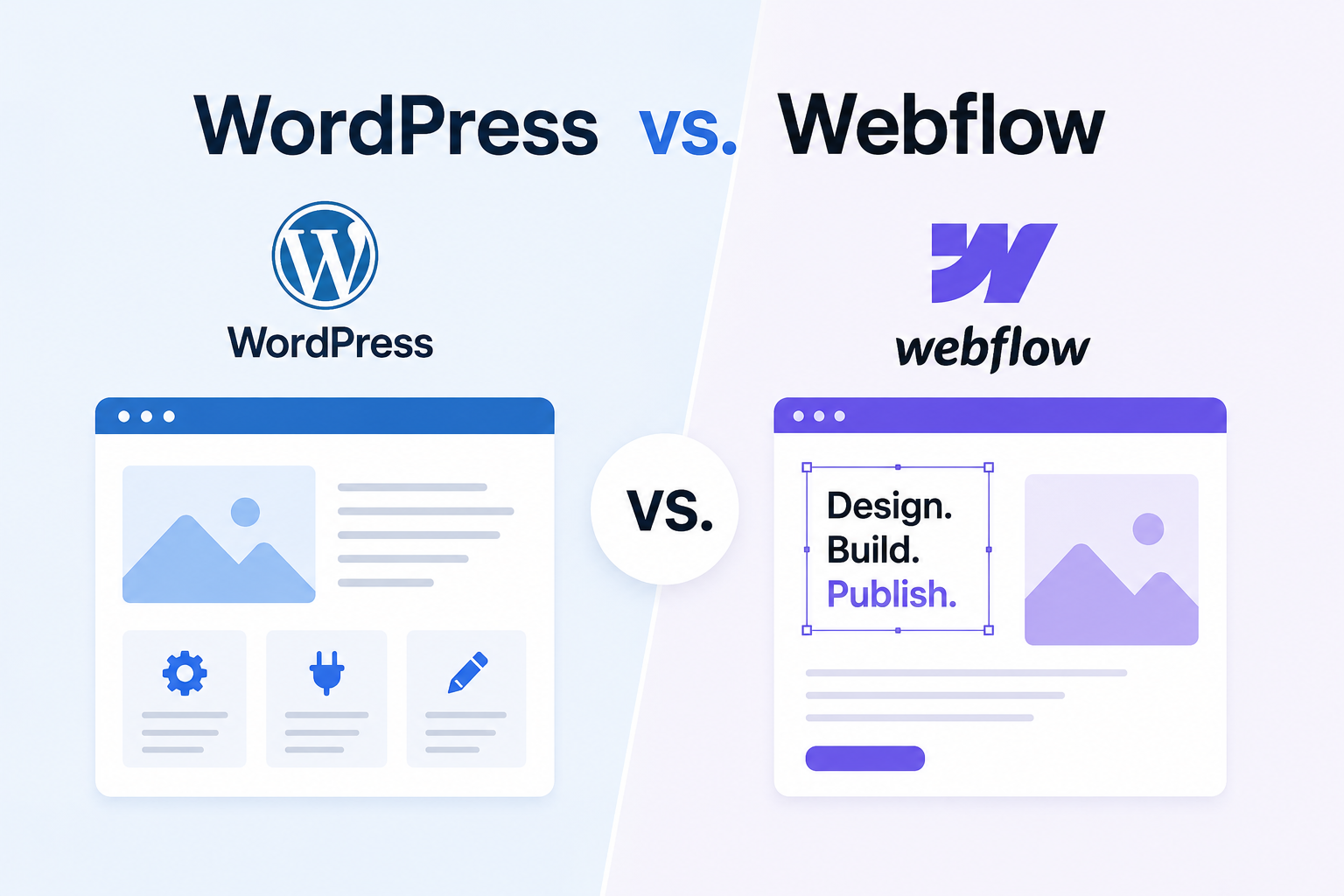
If you’re wondering which platform is the better fit for your business, here’s a comparison of WordPress vs. Webflow.
What Is WordPress?
WordPress is an open-source CMS that powers millions of websites worldwide. It gives businesses complete control over website design, functionality, and content. With thousands of themes, plugins, and integrations available, WordPress can support everything from simple blogs to large enterprise websites.
Its flexibility makes it a popular choice for businesses that expect their websites to grow over time.
What Is Webflow?
Webflow is a cloud-based website builder that combines design, hosting, and CMS features into one platform. It allows users to visually build websites without writing much code while automatically generating clean HTML and CSS.
Because hosting and maintenance are managed by Webflow, many businesses choose it for its simplicity and faster deployment.
Ease of Use
Both platforms are user-friendly, but they serve different audiences.
Webflow is designed for designers and marketers who want visual control over layouts and animations. Its drag-and-drop editor offers creative freedom but comes with a learning curve.
WordPress is easier for content editors. Once the website is set up, publishing blogs, updating pages, and managing media requires minimal technical knowledge.
If your team regularly creates content, WordPress offers a smoother editing experience.
Design Flexibility
Webflow is known for its modern design capabilities. Users can build highly customized layouts, animations, and interactive elements without relying heavily on developers.
WordPress also offers extensive design options through themes and page builders like Elementor or Gutenberg. Additionally, custom development allows businesses to create virtually any design or functionality they need.
For businesses seeking complete creative freedom, both platforms perform well, although Webflow provides a more visual design experience.
SEO Capabilities
SEO plays a major role in generating organic traffic and qualified leads.
WordPress offers advanced SEO features through plugins that allow users to manage metadata, XML sitemaps, redirects, schema markup, and content optimization.
Webflow includes many built-in SEO features, including customizable meta titles, descriptions, clean URLs, and automatic sitemap generation.
Both platforms can perform well in search engines when properly optimized. However, WordPress provides greater flexibility for businesses with extensive content marketing strategies.
Performance and Speed
Website speed affects both user experience and search rankings.
Webflow includes managed hosting, global content delivery networks (CDNs), SSL certificates, and automatic performance optimization. This helps websites achieve fast loading speeds with minimal configuration.
WordPress performance depends on hosting quality, caching solutions, image optimization, and plugin management. With proper optimization, WordPress websites can perform just as well.
Customization and Integrations
Customization is where WordPress has a clear advantage.
Because it is open source, developers can create custom plugins, integrate third-party software, connect CRM platforms, build customer portals, and add advanced functionality.
Webflow supports popular integrations through APIs and automation tools, but it offers fewer customization options compared to WordPress.
Businesses with complex requirements or future expansion plans often prefer WordPress because of its flexibility.
Security and Maintenance
Webflow manages hosting, security updates, backups, and SSL certificates automatically. This reduces ongoing maintenance and allows businesses to focus on content and marketing.
With WordPress, security depends on regular software updates, secure hosting, trusted plugins, and routine maintenance. While this requires more effort, it also gives businesses greater control over their website environment.
Scalability
As your business grows, your website needs may change. You may want to add multilingual support, resource libraries, customer portals, or advanced marketing tools.
WordPress is highly scalable and can support websites of virtually any size. Its large ecosystem makes it easier to expand functionality without switching platforms.
Webflow is an excellent option for marketing websites and growing businesses, but highly customized enterprise projects may eventually outgrow its capabilities.
Which Platform Should You Choose?
Choose WordPress if you:
- Publish blogs and content regularly
- Need advanced SEO features
- Require custom integrations
- Expect long-term business growth
- Want complete ownership of your website
Choose Webflow if you:
- Prefer a visual website builder
- Want built-in hosting and maintenance
- Need a professional marketing website quickly
- Have a design-focused team
- Want fewer technical responsibilities
Conclusion
The WordPress vs. Webflow debate doesn’t have a one-size-fits-all answer. Both platforms are capable of building fast, responsive, and SEO-friendly websites.
For businesses focused on content marketing, scalability, and advanced customization, WordPress remains the stronger long-term solution. Its flexibility, extensive plugin ecosystem, and powerful SEO capabilities make it ideal for organizations that expect their website to evolve.
On the other hand, Webflow is an excellent choice for businesses seeking a modern design experience with simplified hosting and maintenance. It enables teams to launch visually appealing websites without managing servers or frequent software updates.
Ultimately, the best platform is the one that aligns with your business goals, technical resources, and future growth plans. Investing in quality content, user experience, and SEO will have a greater impact on your website’s success than the CMS you choose.